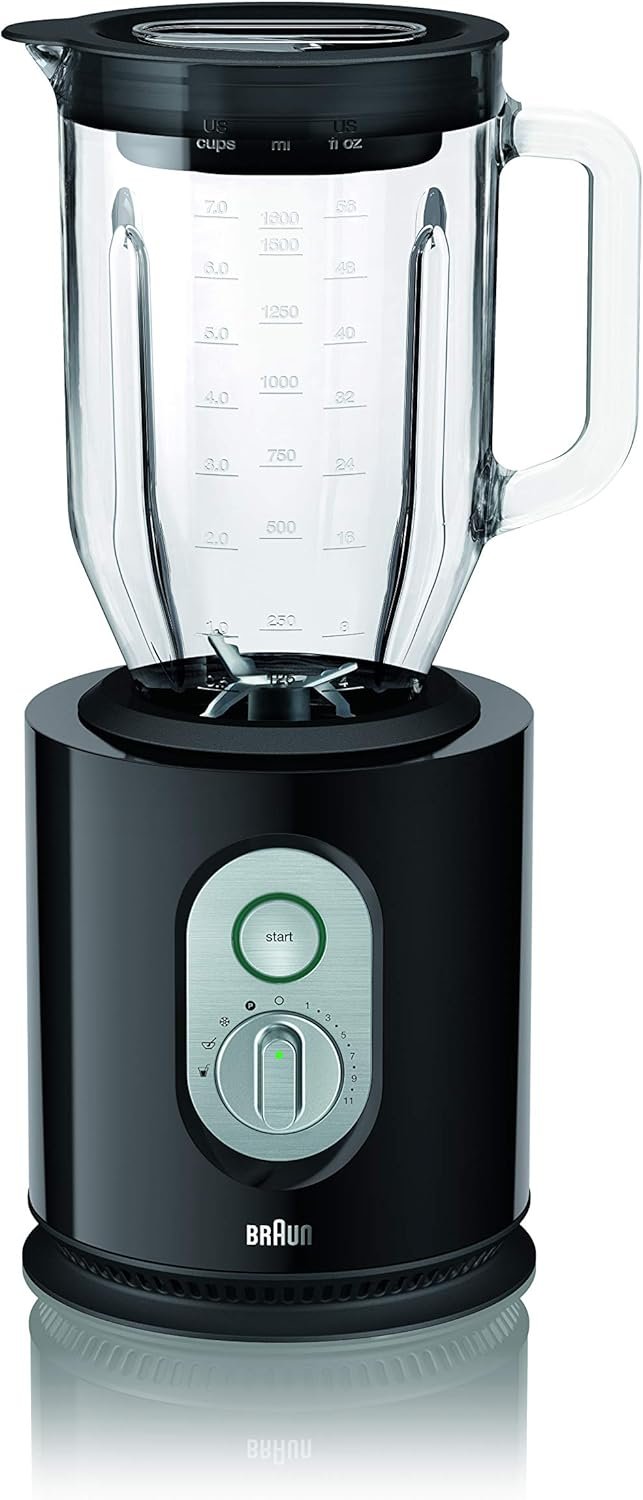
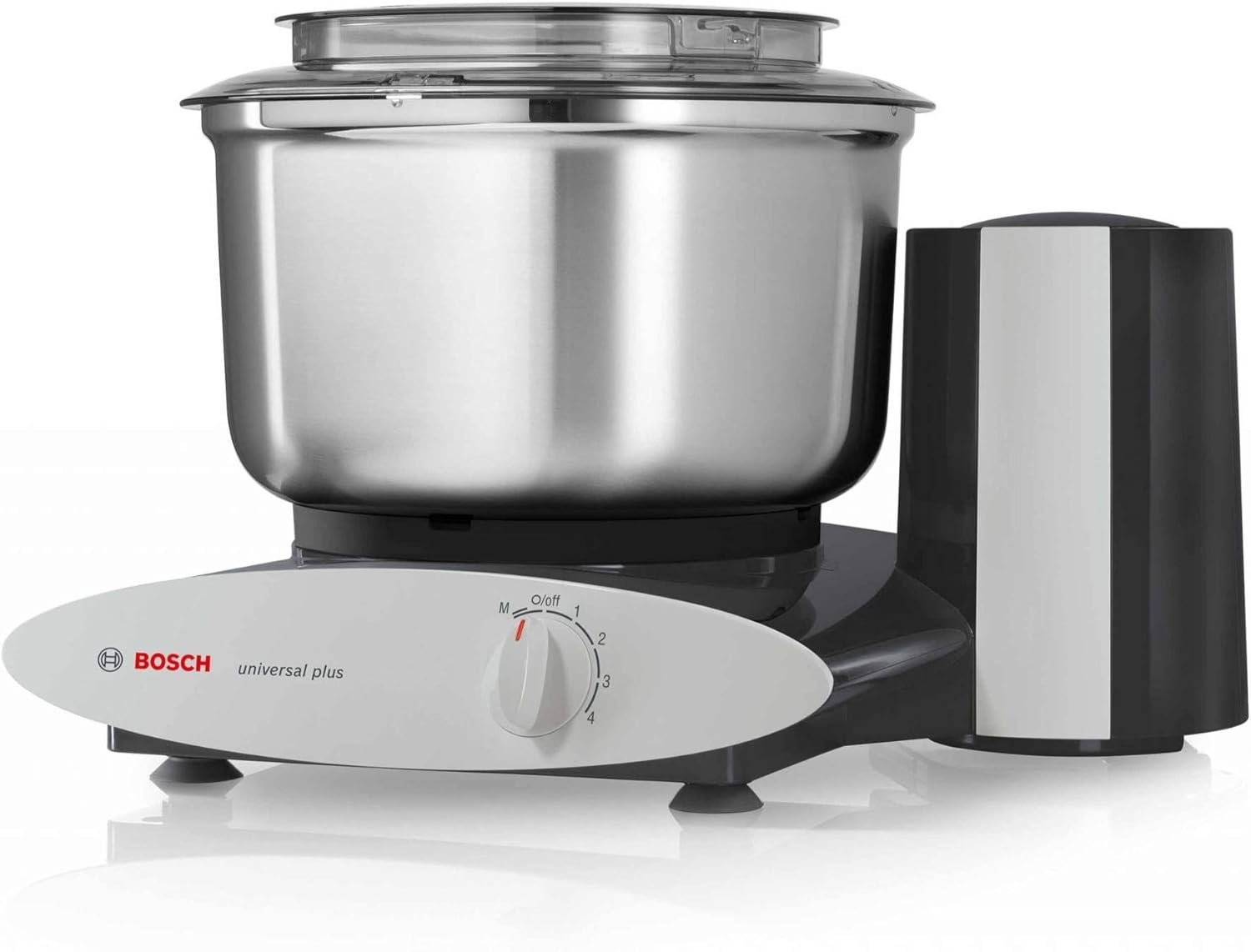
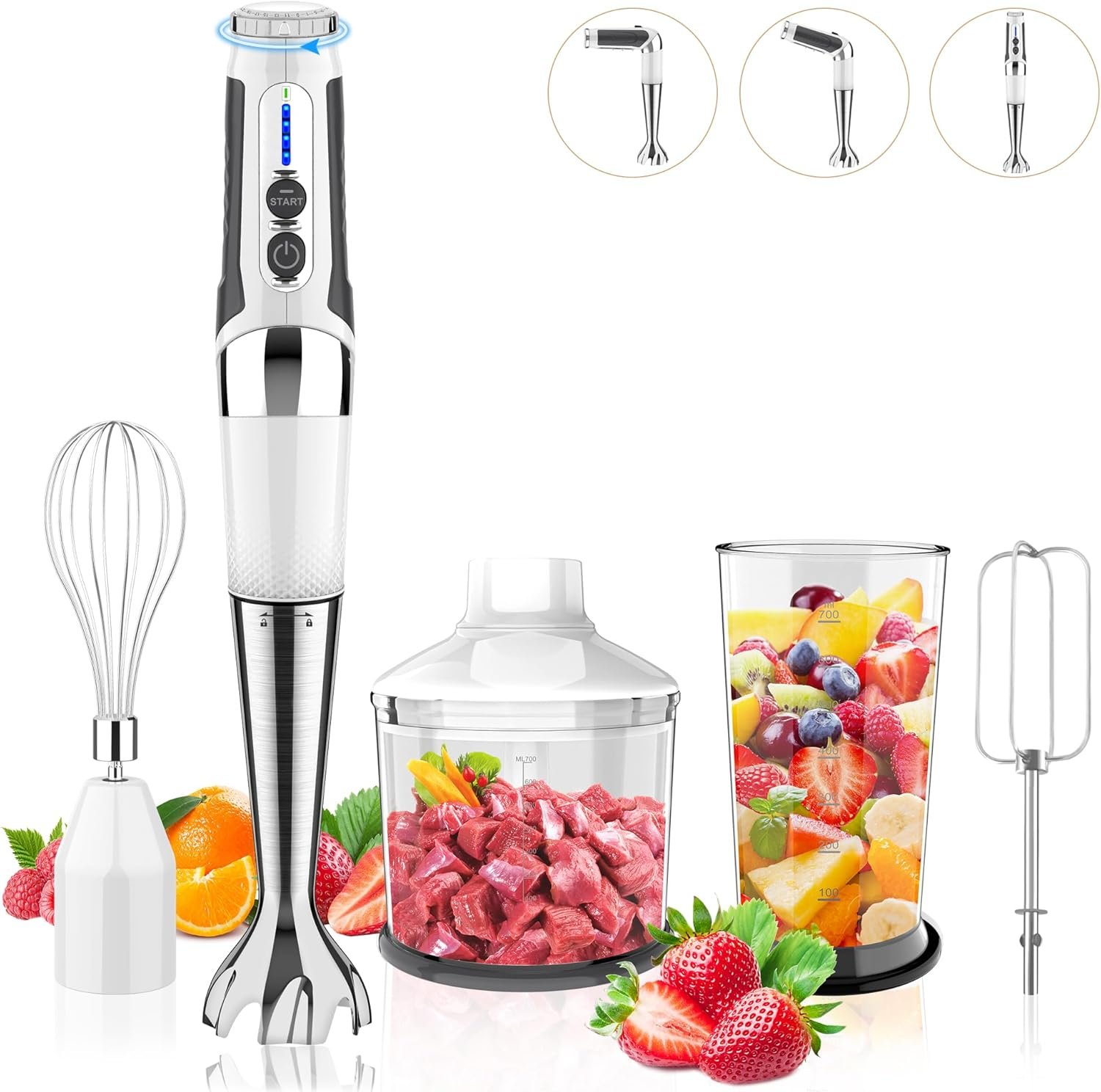
Blenders comparisons

We currently track 50 products in our Blenders catalog on VSFinder. Across the Blenders pages we compare most often with live pricing, the range runs from $49.99 to $649.95. The fastest way to narrow this category is usually to compare brand, category, and blades first.

50 products indexed in this category

How to compare blenders

  • Set the budget first. In the Blenders pages we compare most often, the live price range currently spans $49.99 to $649.95.
  • Use rating with review depth. The current average tracked rating is 4.7/5 across 36 reviewed products, so obvious outliers deserve a closer look.
  • Break ties with the specific specs that matter most here, especially brand, category, and blades.
  • Use VSFinder matchups to move faster. We currently track 1,532 products and 2,761 ready-made comparisons sitewide.
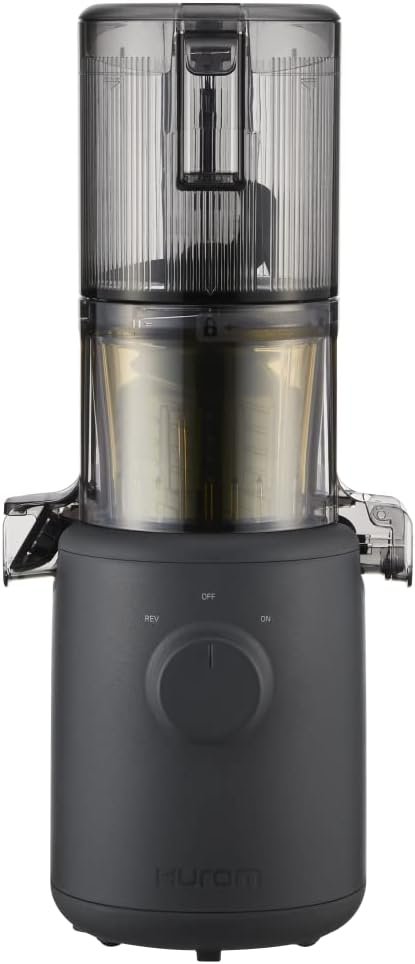
Blenders snapshot

  • Products tracked: 50
  • Current price range: $49.99 to $649.95
  • Average tracked rating: 4.7/5 across 36 reviewed products
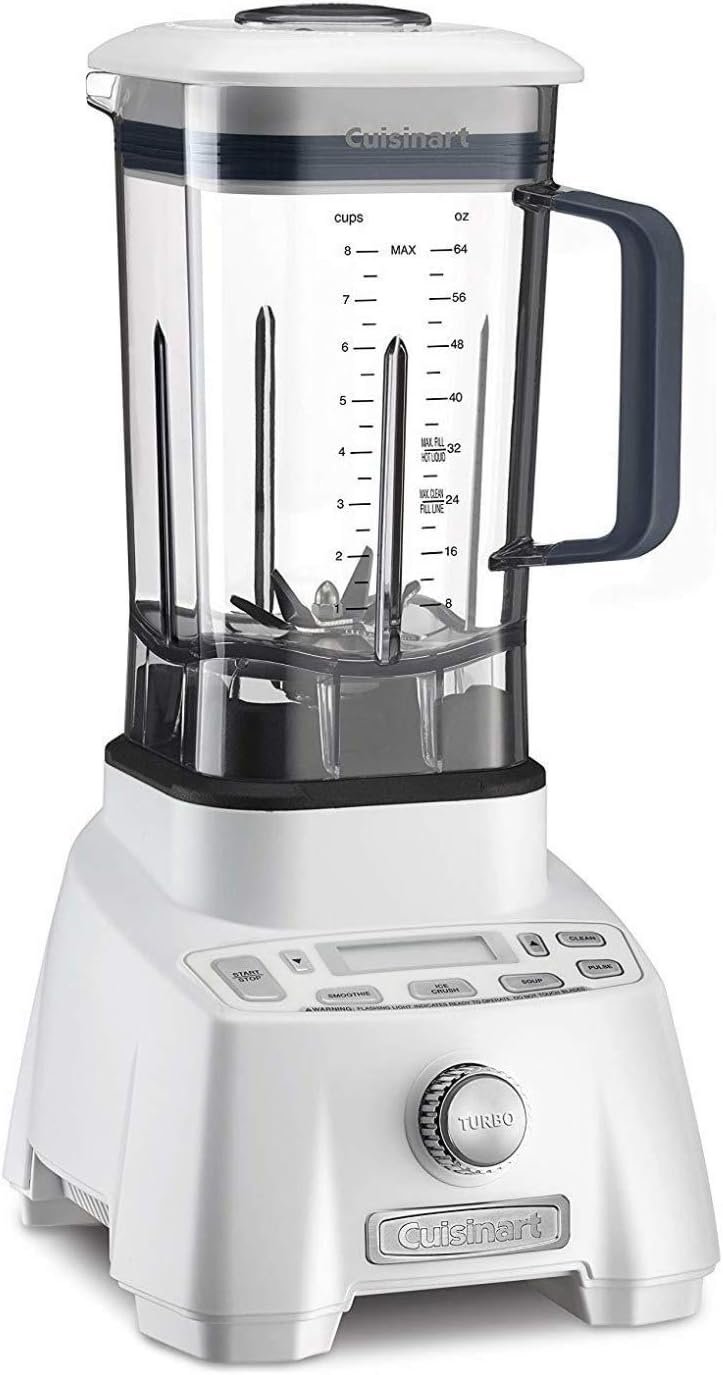
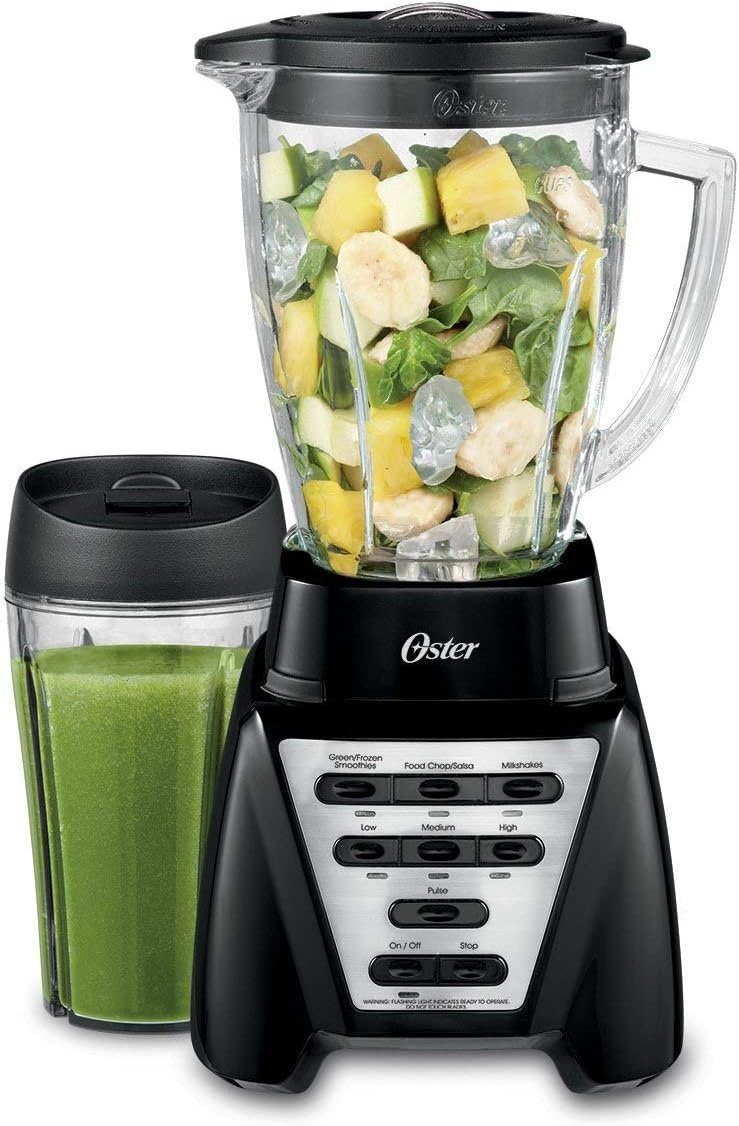
  • Brands seen most often: Vitamix, Ninja, and Oster
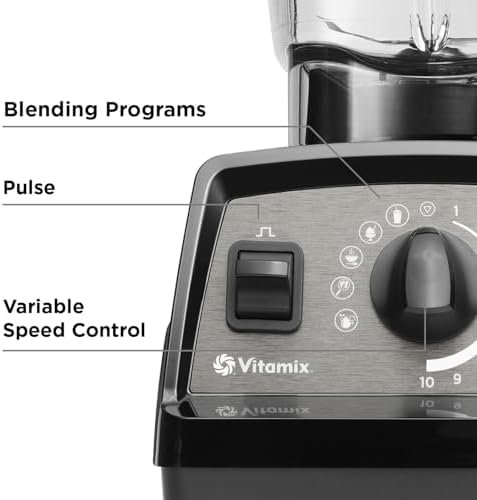
  • Specs shoppers compare most: Brand, Category, Blades, and Controls

Use this page to build a shortlist, then open the products that still look right on budget, reviews, and specs.

Popular picks in Blenders

These are strong starting points when you want the pages with the deepest public review signals first.

All Blenders pages

Open the product pages that fit your budget, then compare the ones that still look close on the decision-making specs.

Explore nearby categories

If your shortlist is still wide open, these related categories are the next most relevant places to keep researching.

Blenders FAQ

Quick answers built to help you move from a broad browse to a smaller, better shortlist.

How should I narrow my options in Blenders?

Start with price and review depth, then compare the spec rows that actually decide the purchase. For most shoppers, this page works best as a shortlist builder before moving into a direct side-by-side comparison.

Which specs matter most in Blenders?

The spec rows that show up most often in close decisions are brand, category, blades, and controls. Those are usually the best first filters when several products look similar on price.

What should I do after this category page?

Open the two or three products that still fit your budget, then use a side-by-side comparison to see which one actually wins on the details that matter most to you.