Start with market context
Category pages show the products we track most often, the price range they sit in, and the specs shoppers usually compare first.
Use category guides and side-by-side pages to compare tracked prices, ratings, review depth, and spec tables across Air Fryers, Bikes, and Blenders, and more before you click through to Amazon.
Each page is meant to answer a real shopping question quickly: what the product costs, how strong the public feedback is, and which specs actually separate it from nearby alternatives.
Category pages show the products we track most often, the price range they sit in, and the specs shoppers usually compare first.
Product and VS pages keep price, rating, review depth, and the raw spec rows together so you can see where one model actually pulls ahead.
Every CTA goes to the real Amazon product page, but only after you have already narrowed the shortlist and know what you are checking.
Jump into the strongest product pages in the categories people compare the most.
These comparisons keep getting revisited because the products are close substitutes and the spec differences are worth seeing side by side.
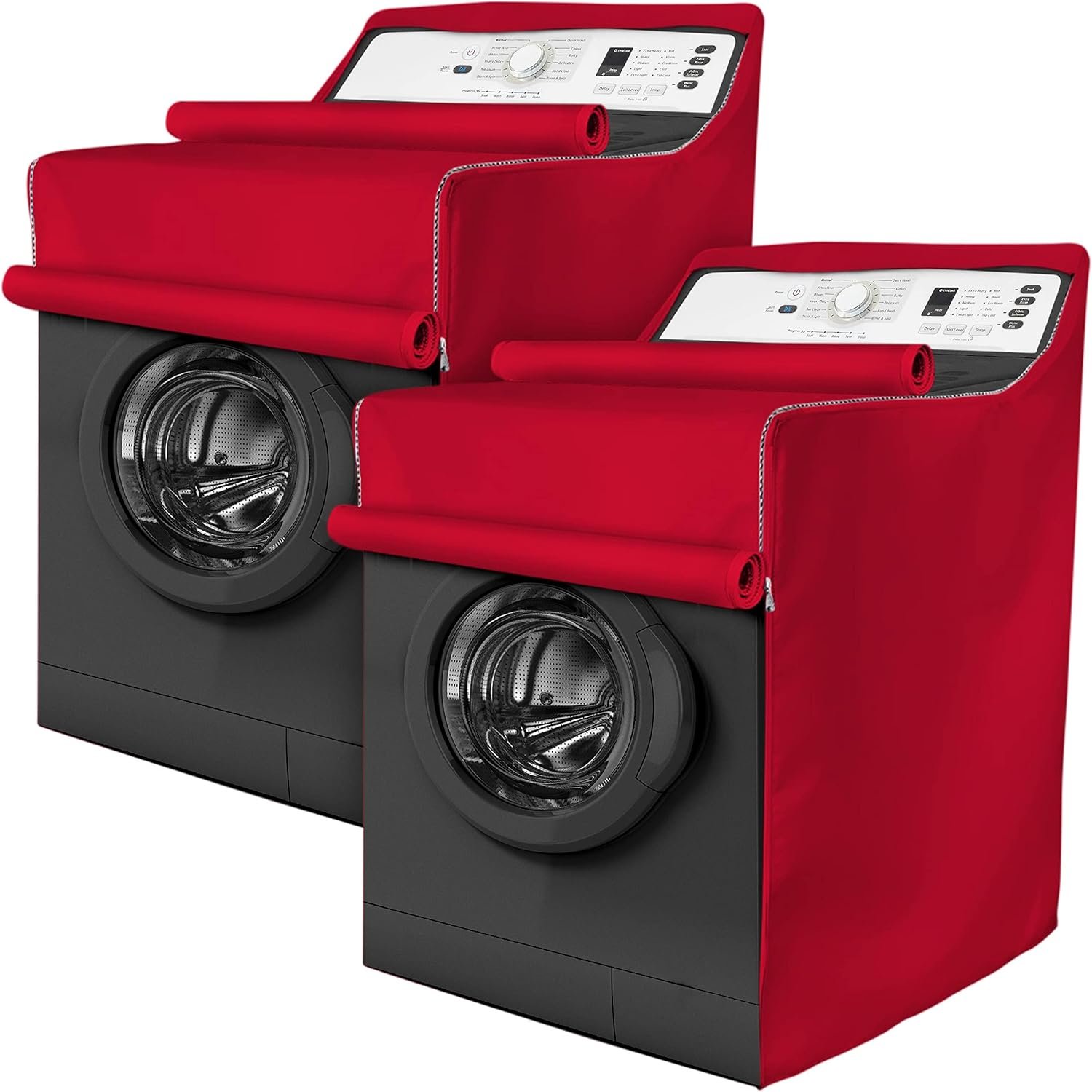
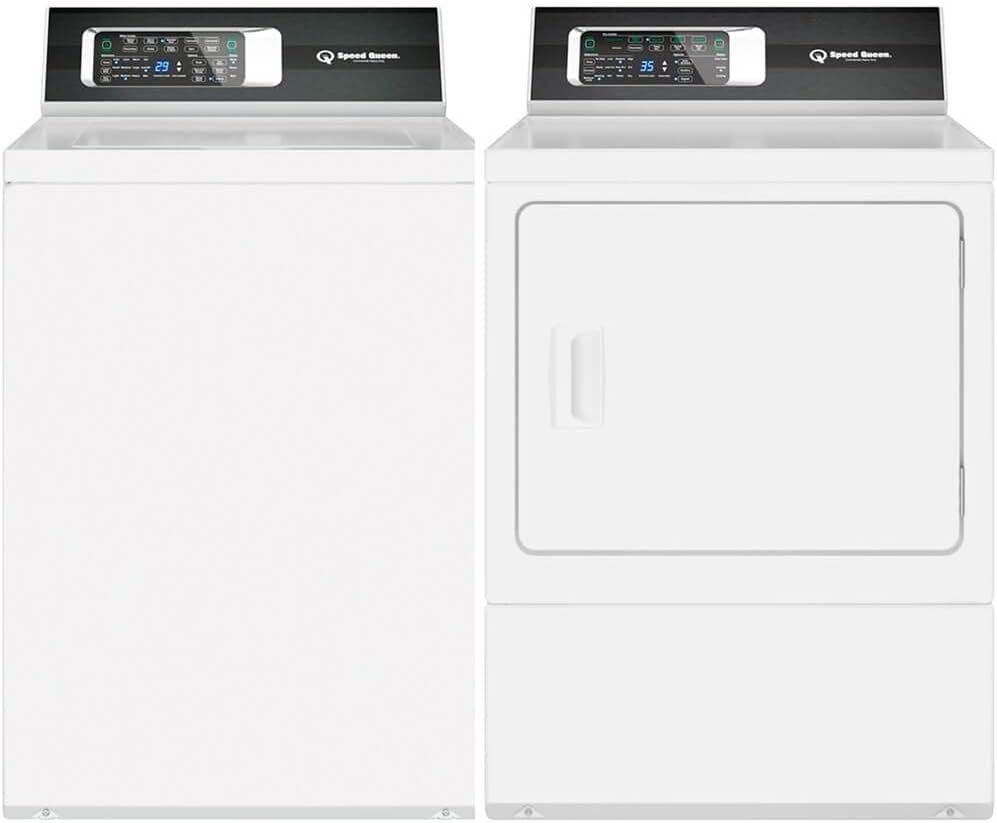

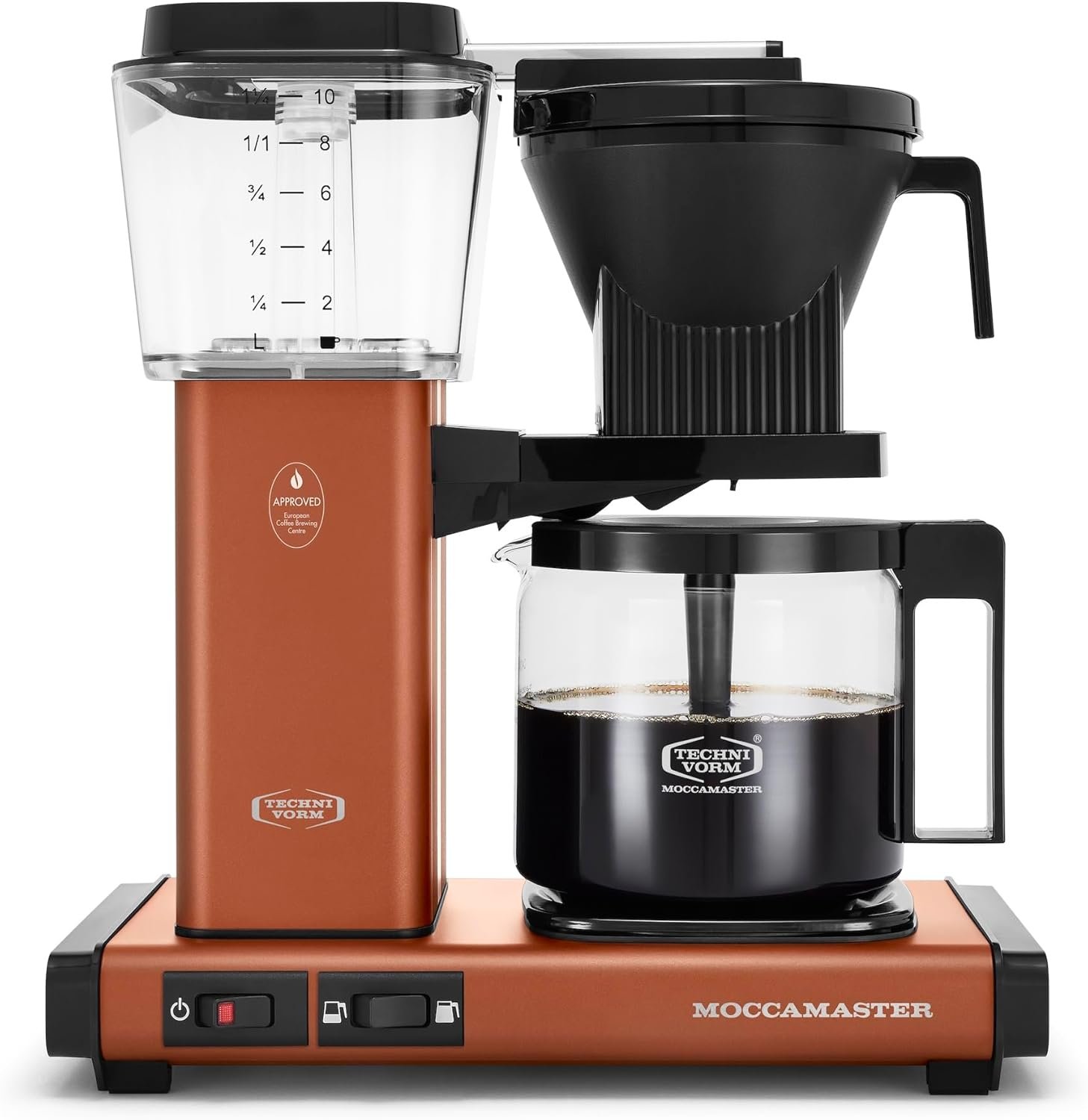
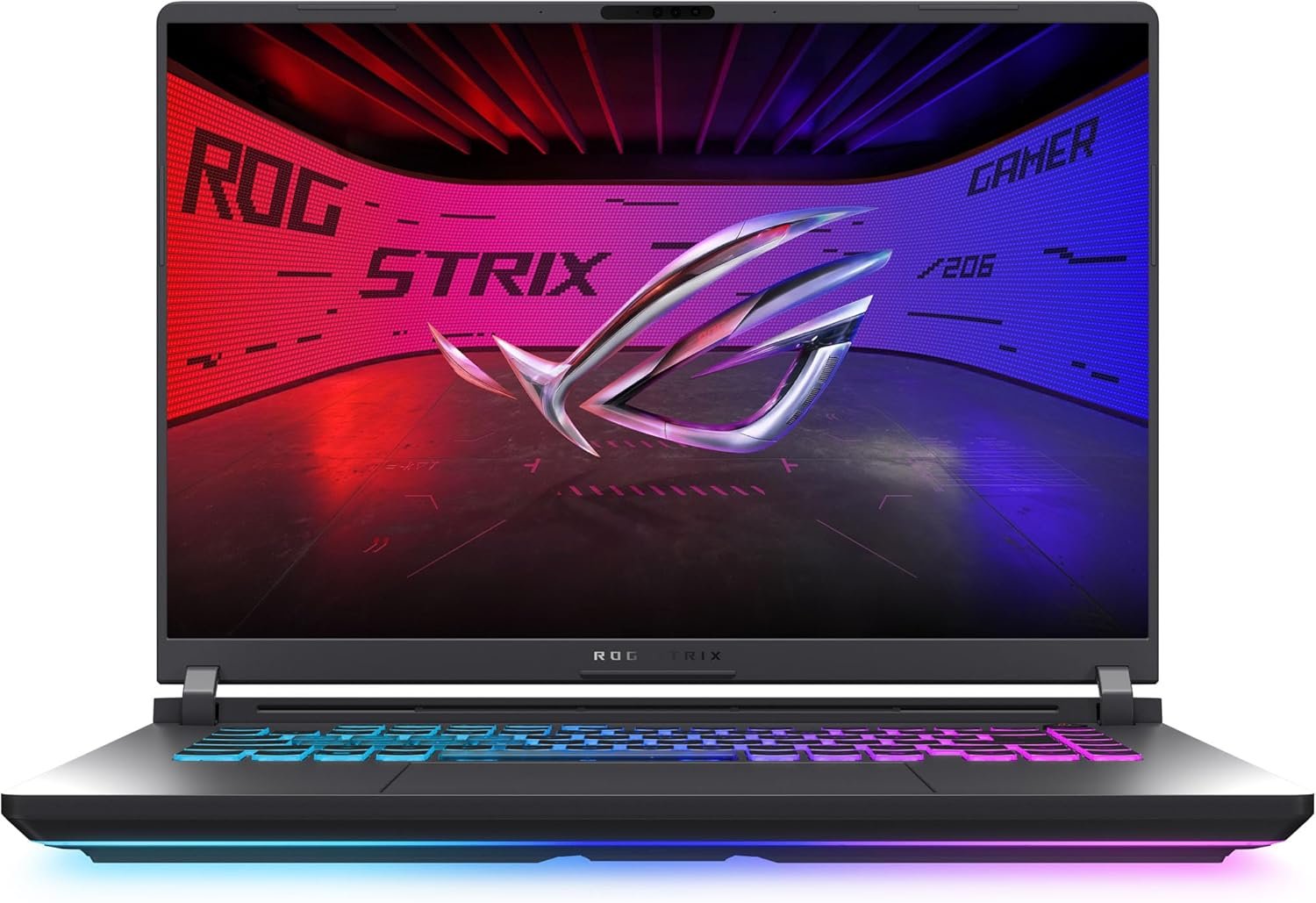
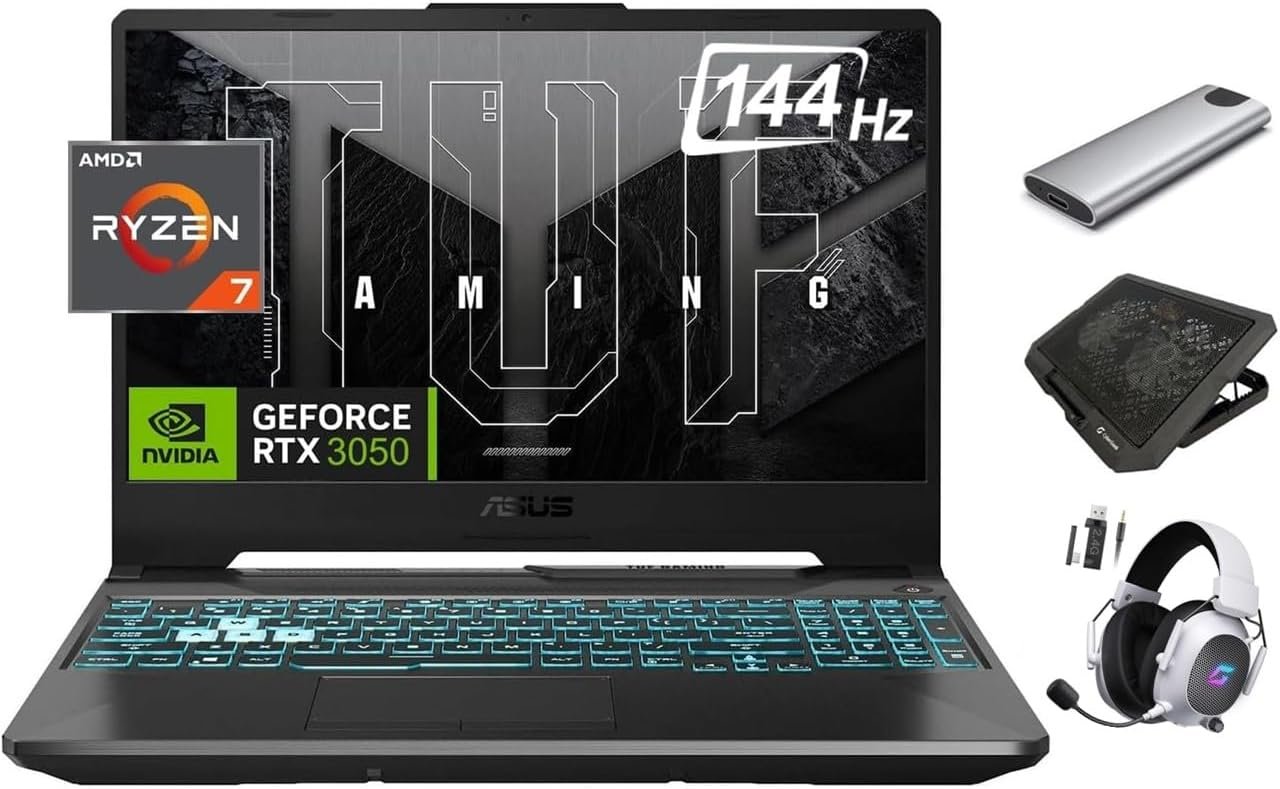
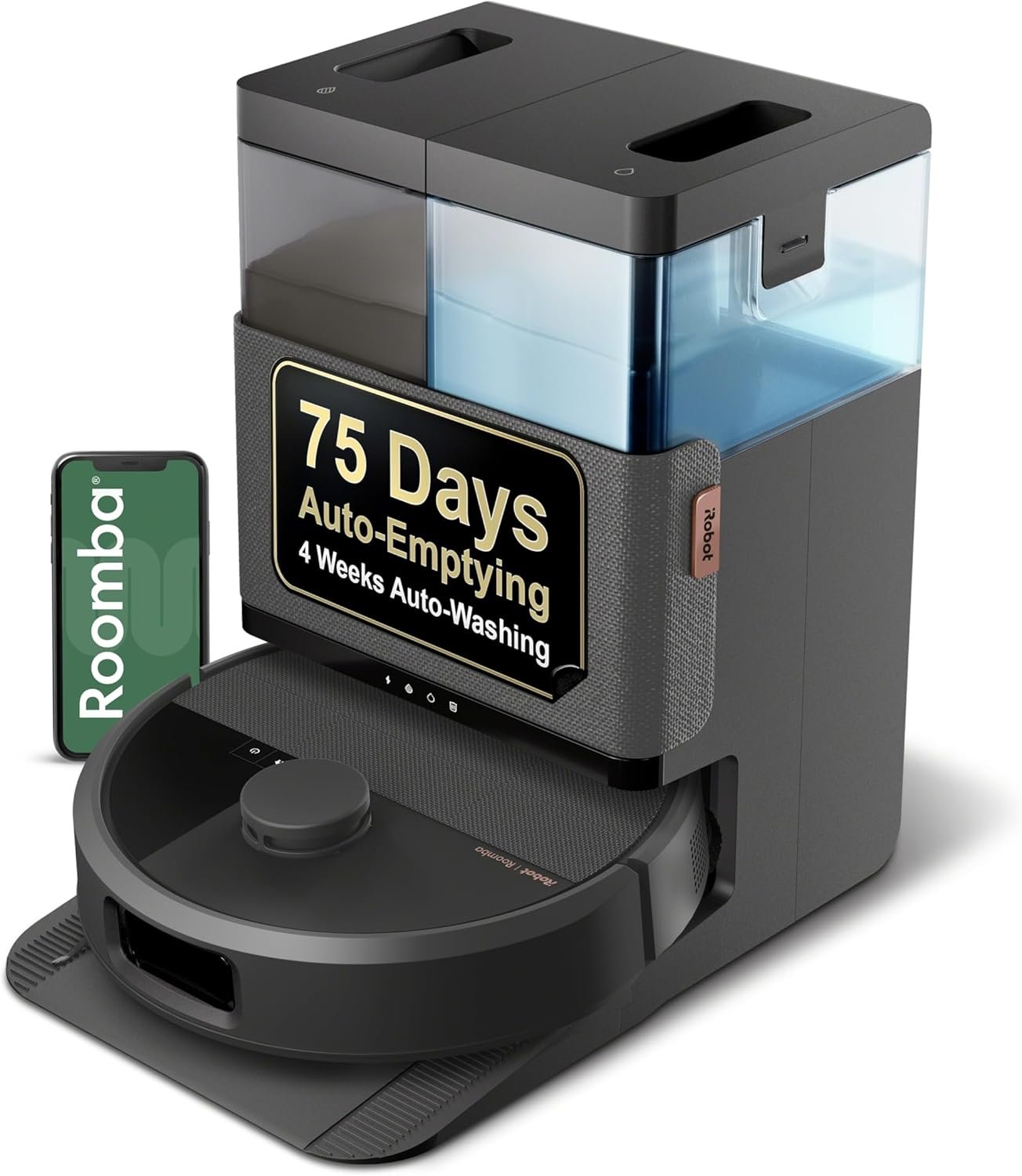

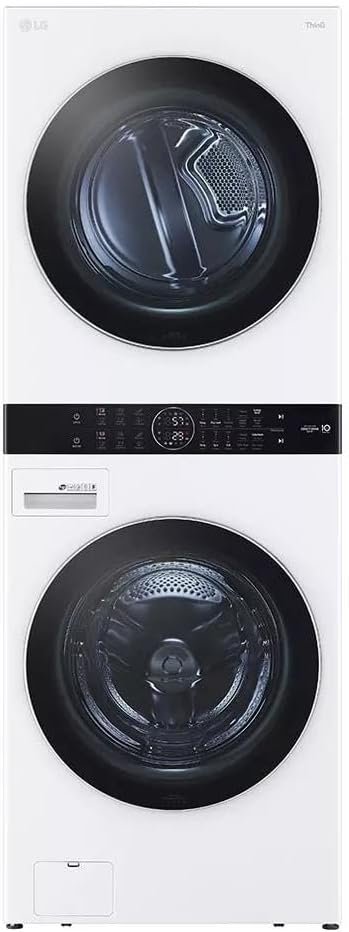
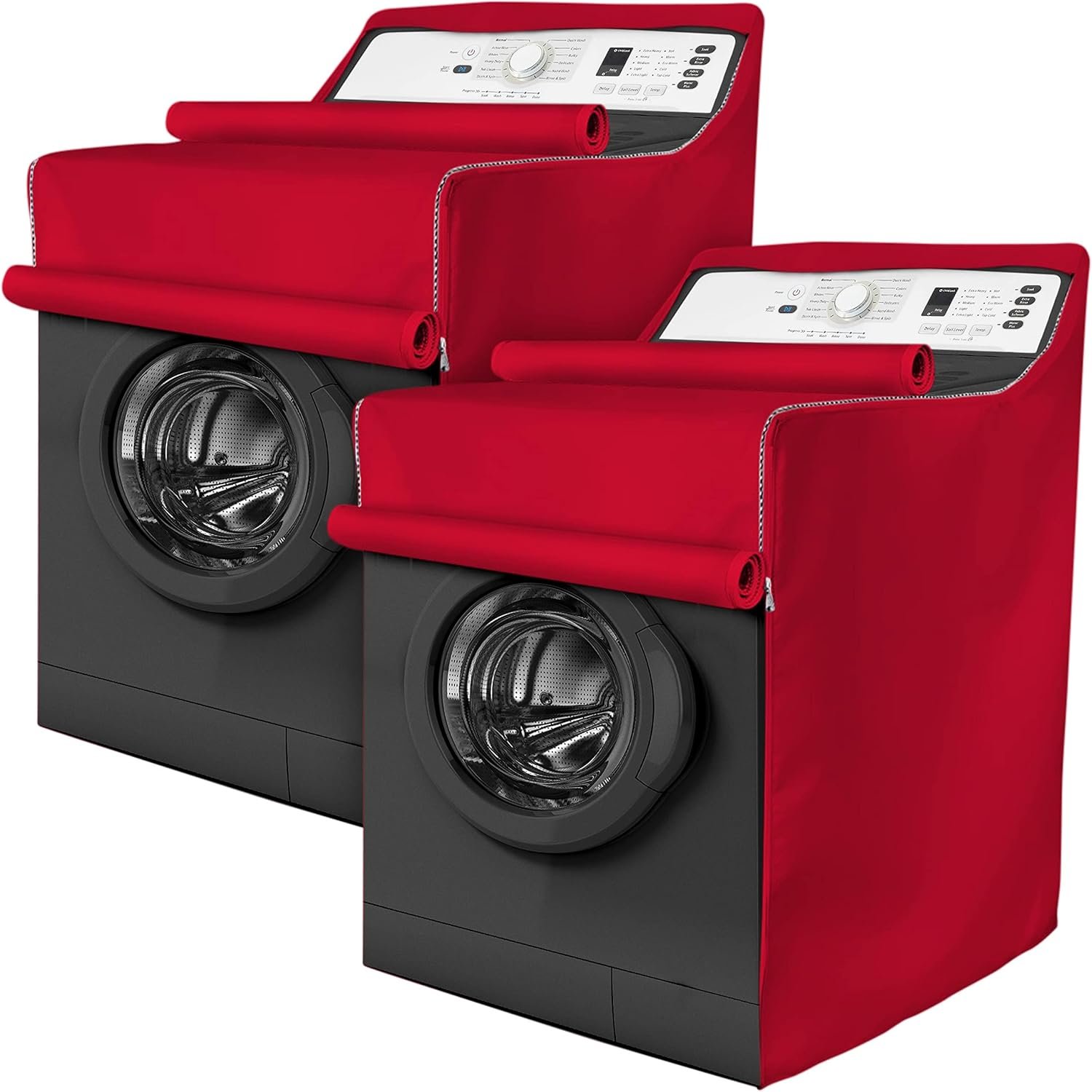
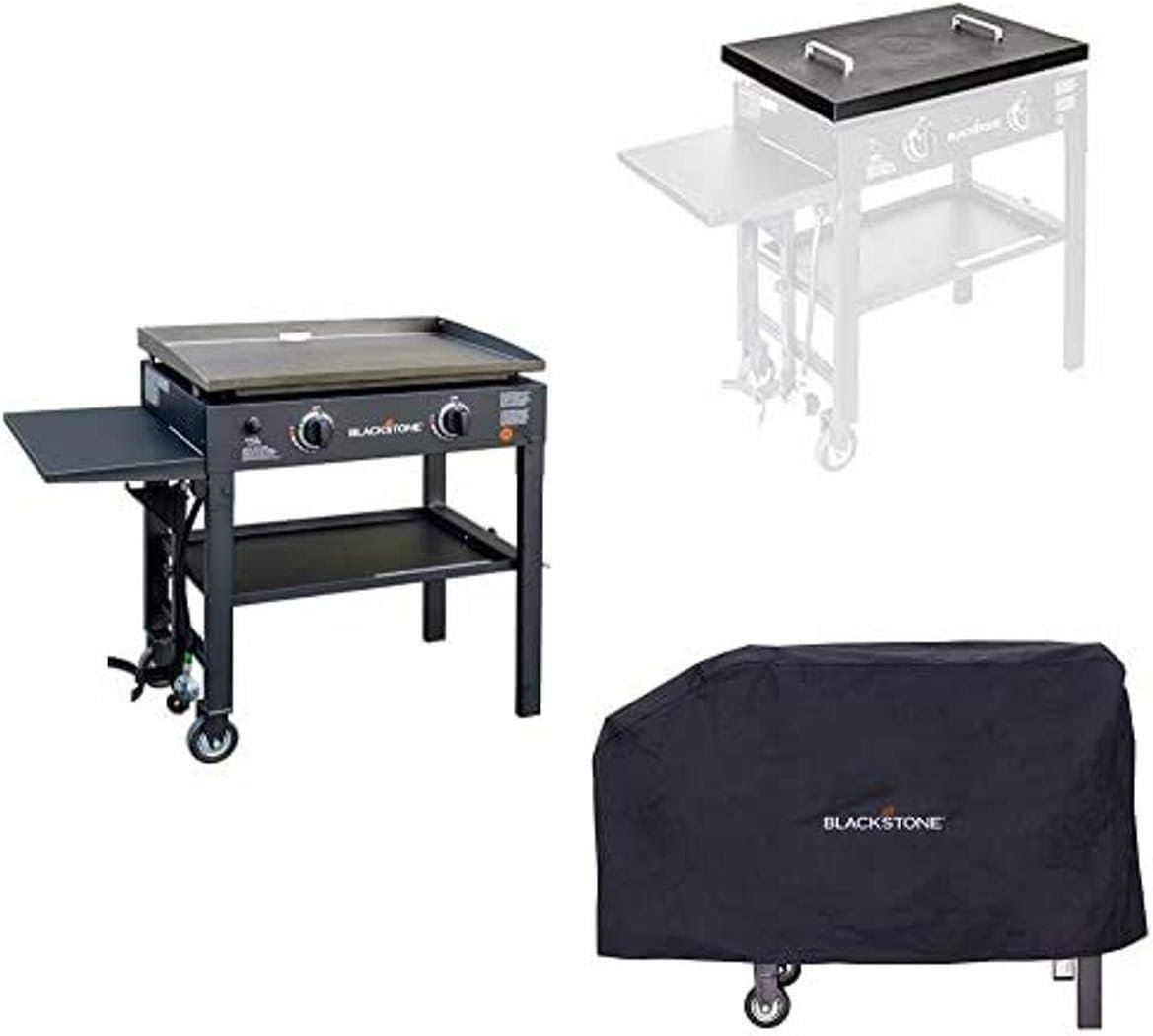
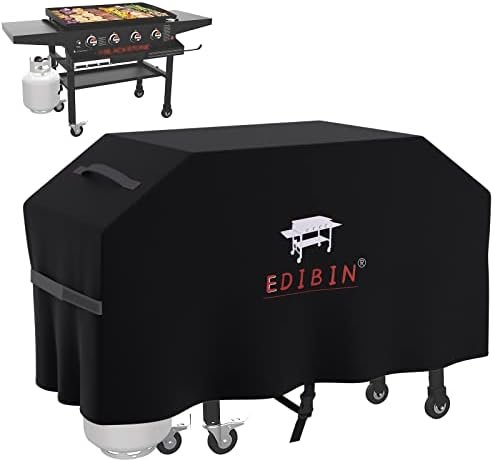
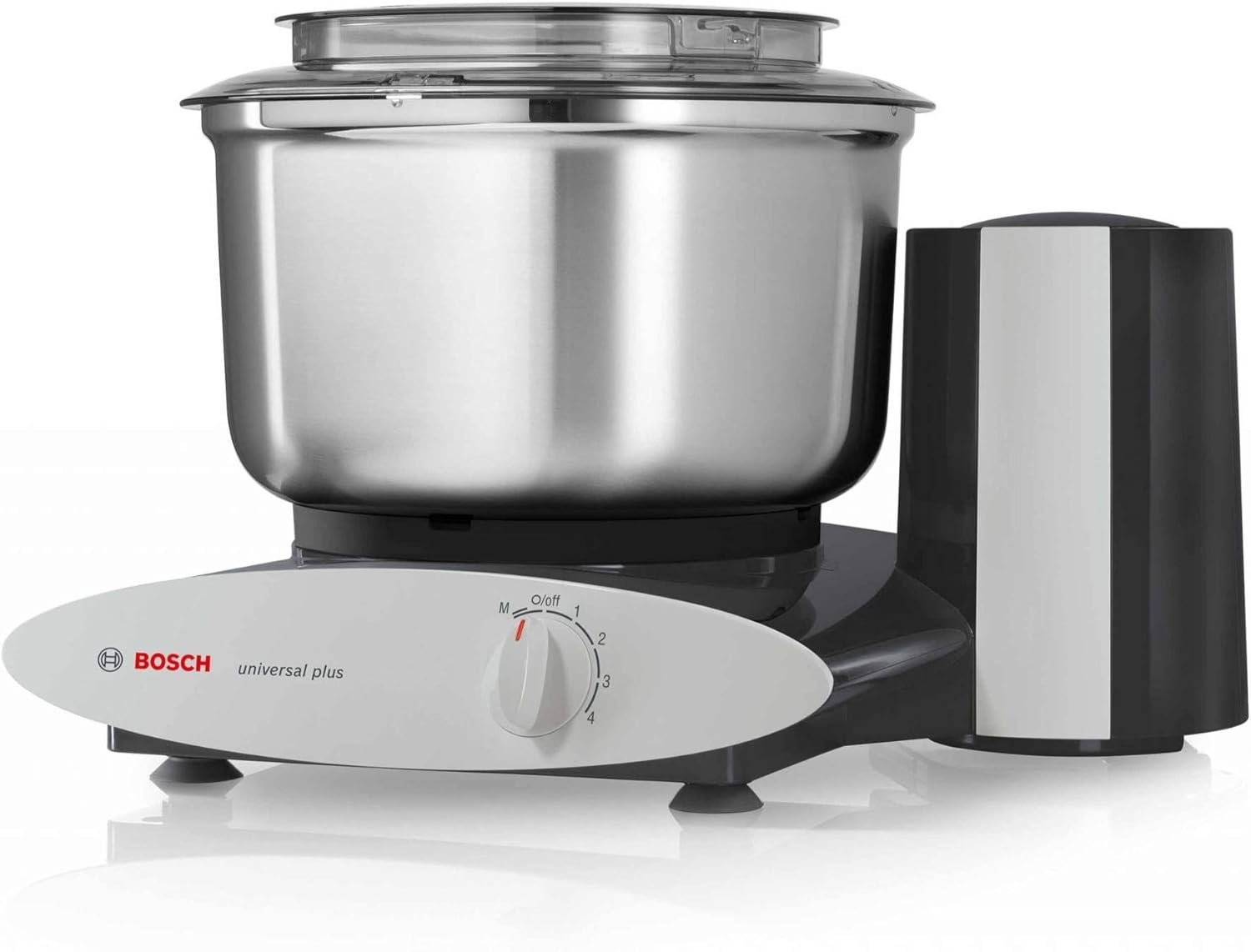

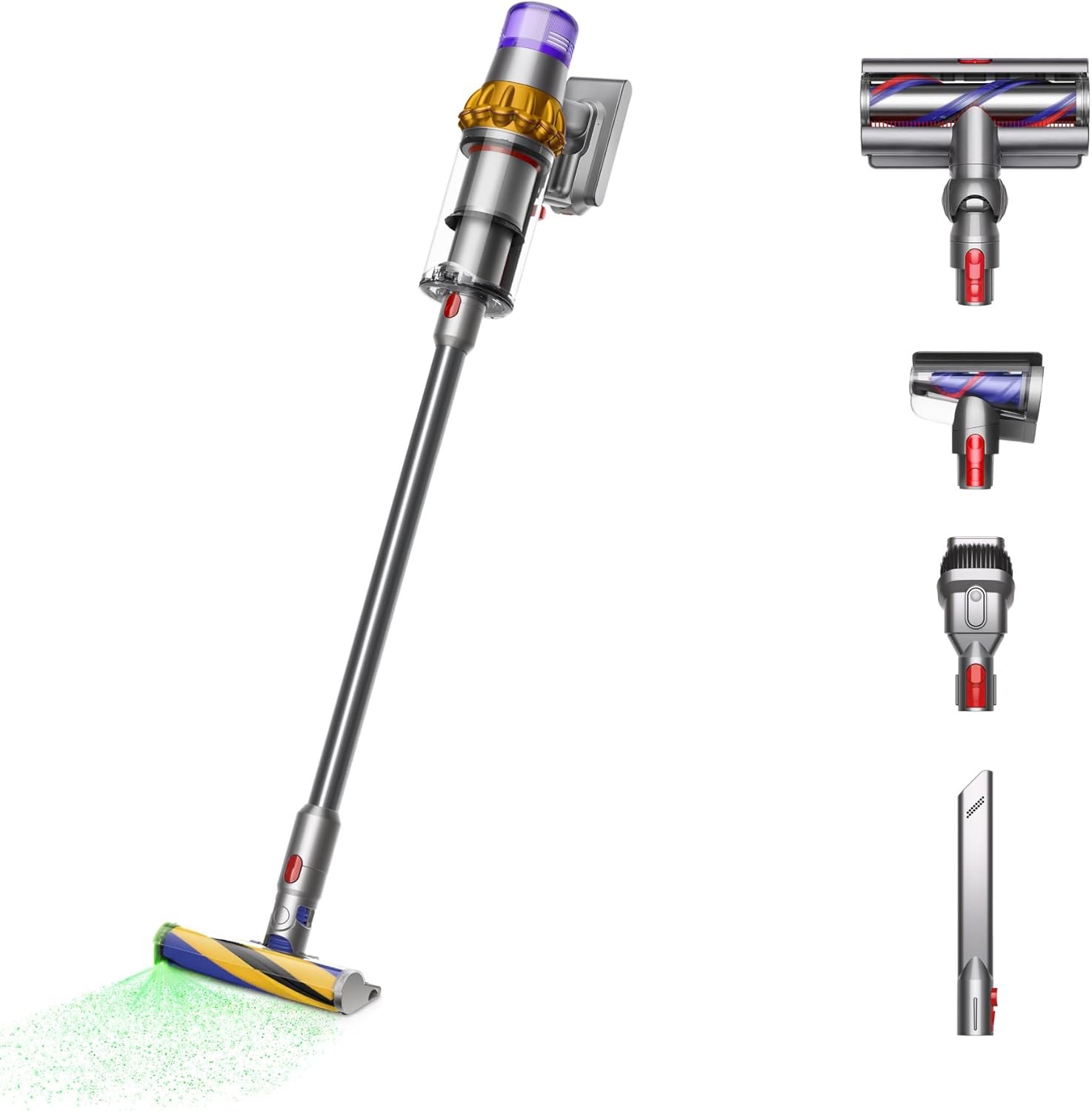
Start here if you want the pages with the strongest public review depth before you go deeper on direct comparisons.
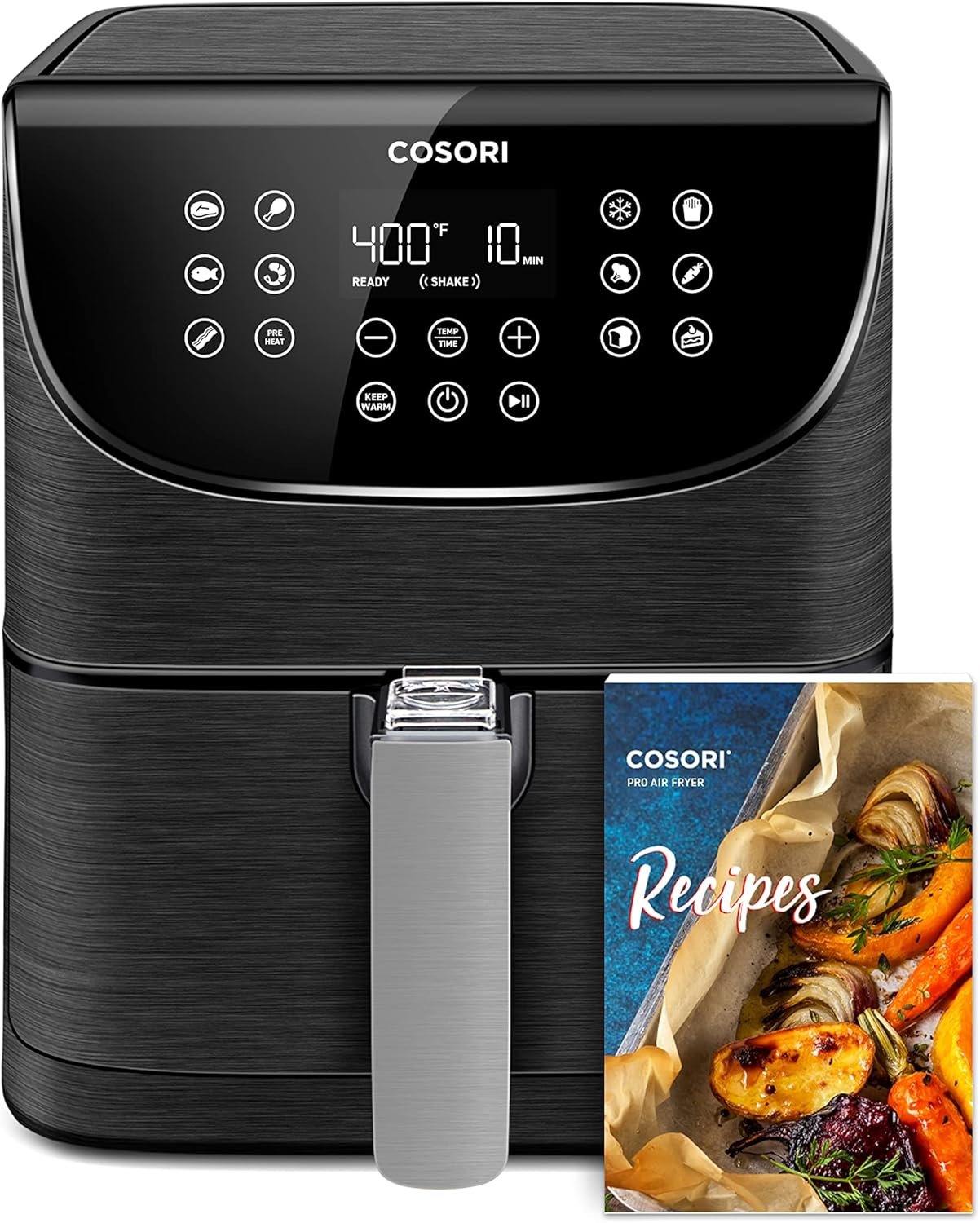
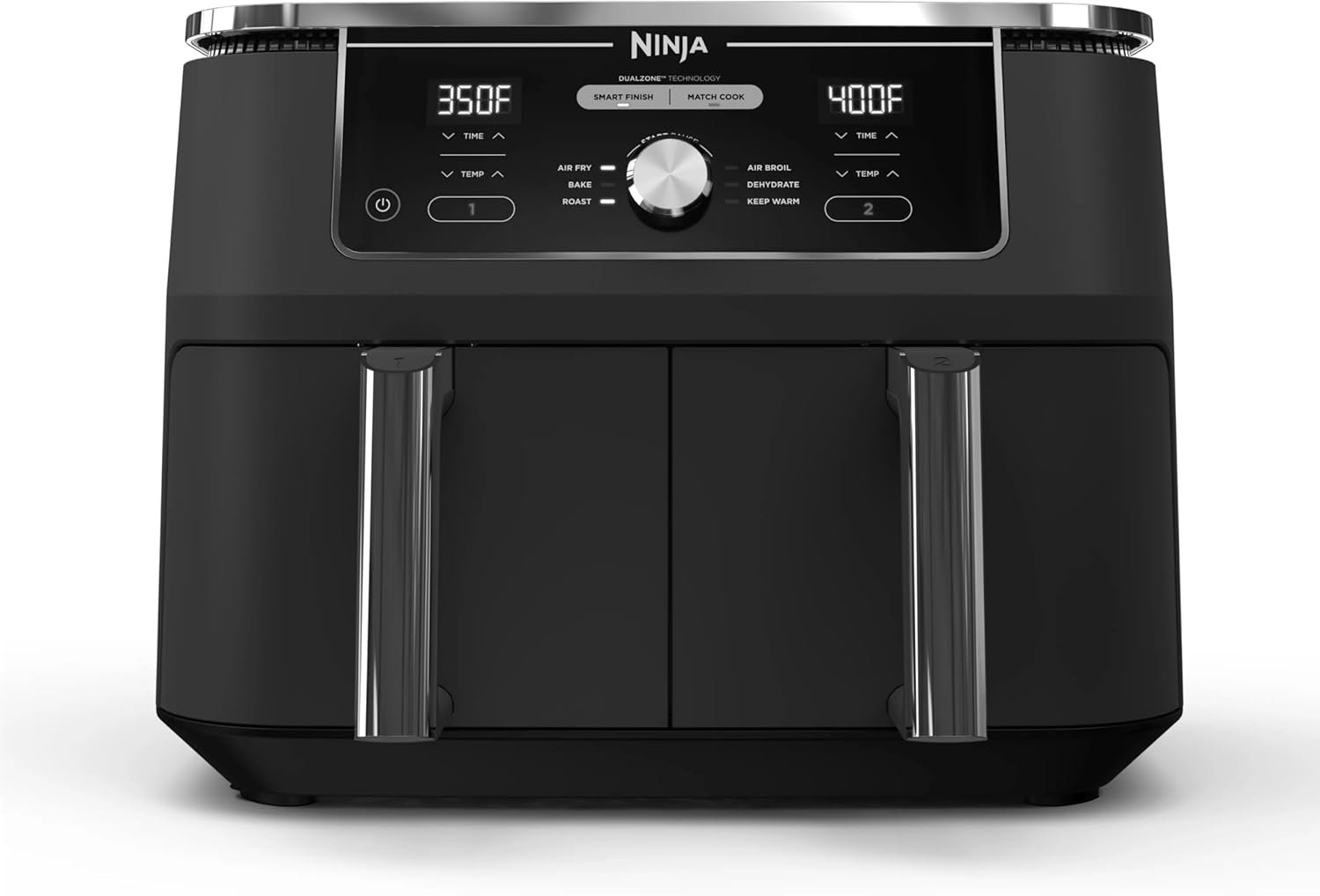
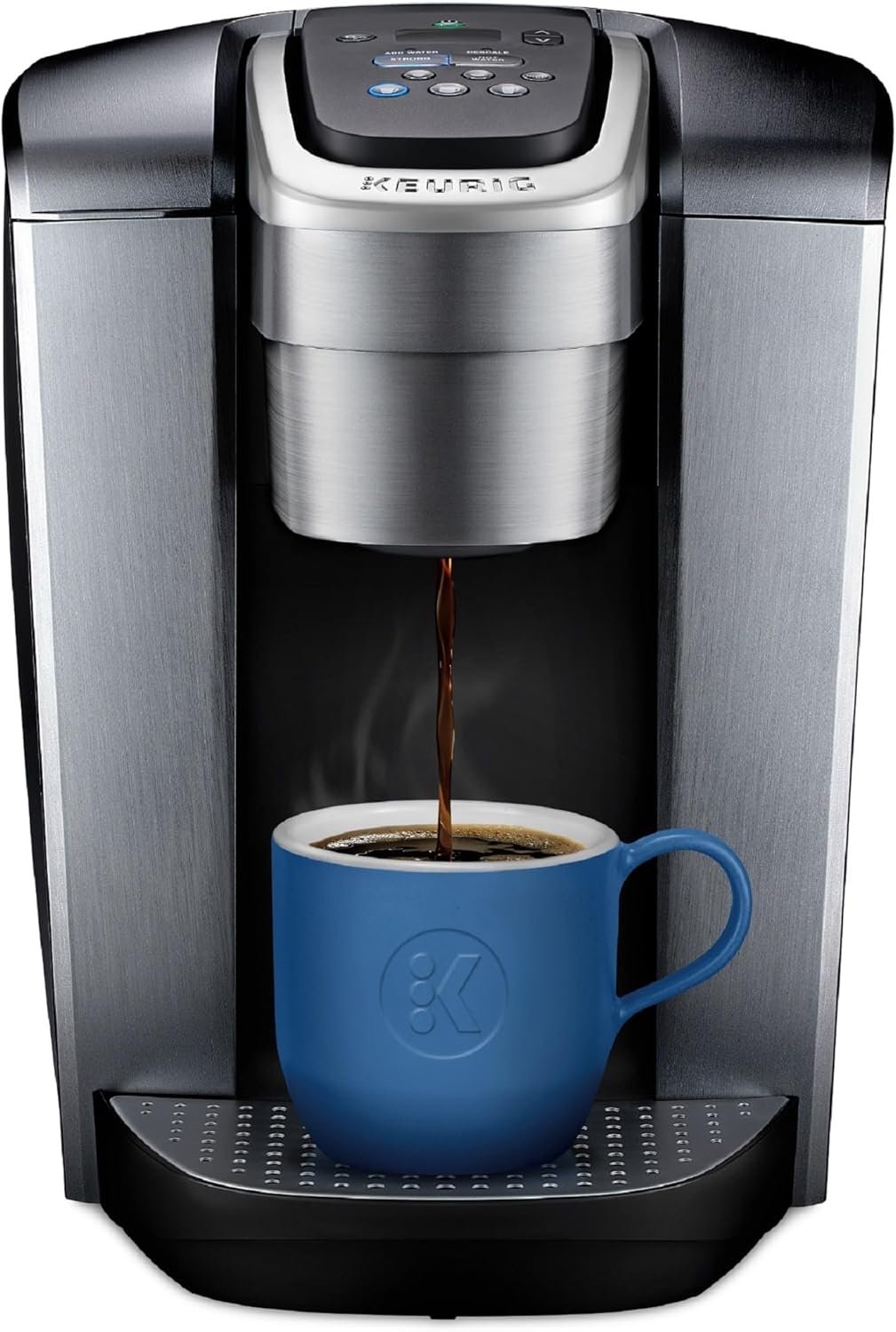
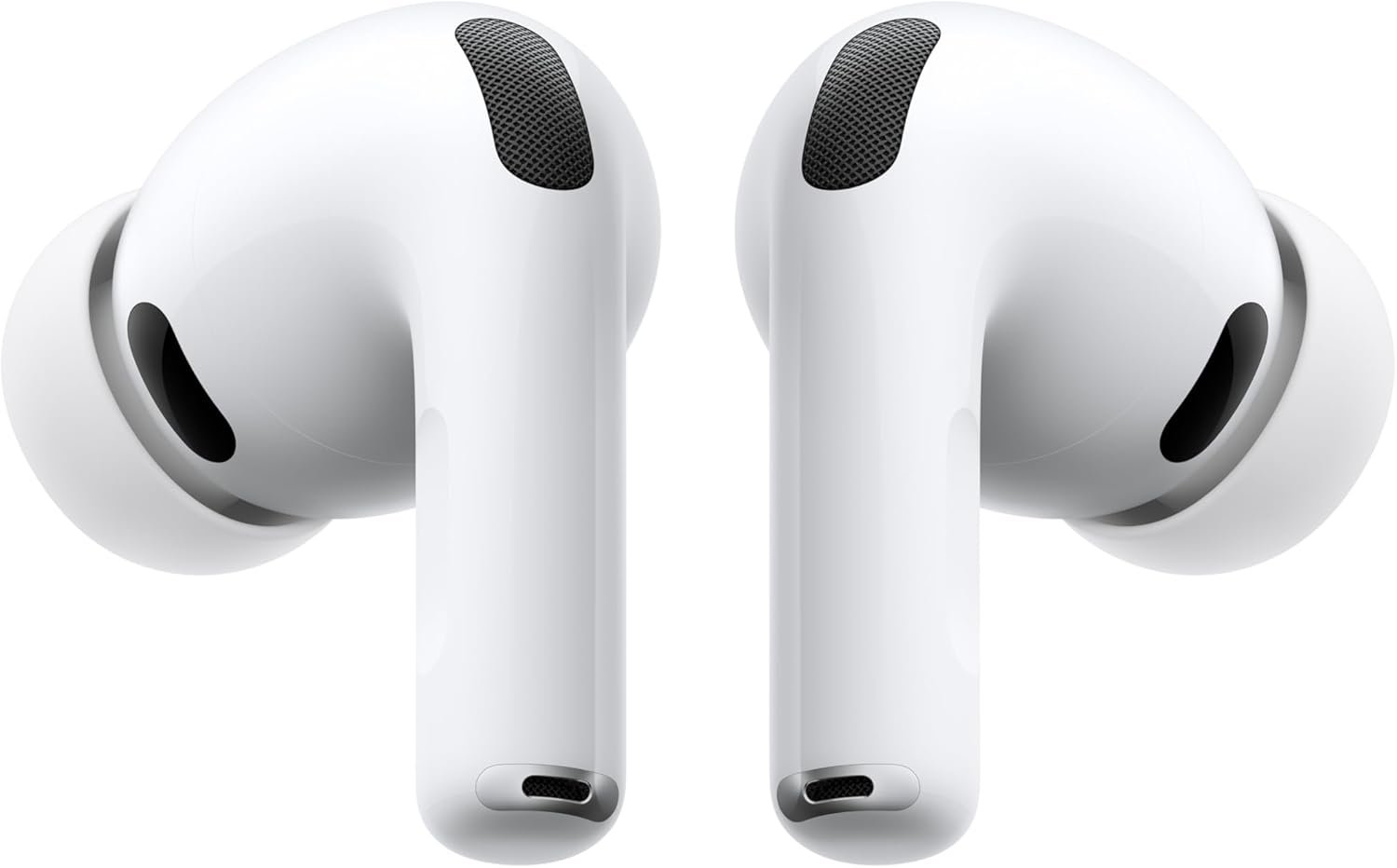


The fastest shopping flow is usually the one that removes weak options early and saves detailed comparisons for the final two or three products.
Open the category page to see the current price spread, then rule out products that are clearly outside the budget you want to spend.
Product pages are where price, rating, review depth, and the full spec table come together, which is usually enough to cut a shortlist down fast.
A head-to-head page is most useful when two products are already close on budget and reviews and you need to know which one wins on the exact features you care about.
Answers to the practical questions that come up when you are moving from broad browsing to a final shortlist.
Start with search if you already know the model name, browse if you are still learning the category, and open a direct comparison only when two finalists stay close.
The best pages tell you where a product sits on price, how much public feedback it has, and which specs you should compare before you even think about checkout.
Yes. Product and comparison CTAs point to the direct Amazon listing, so you can confirm the live offer only after you have already narrowed the field.